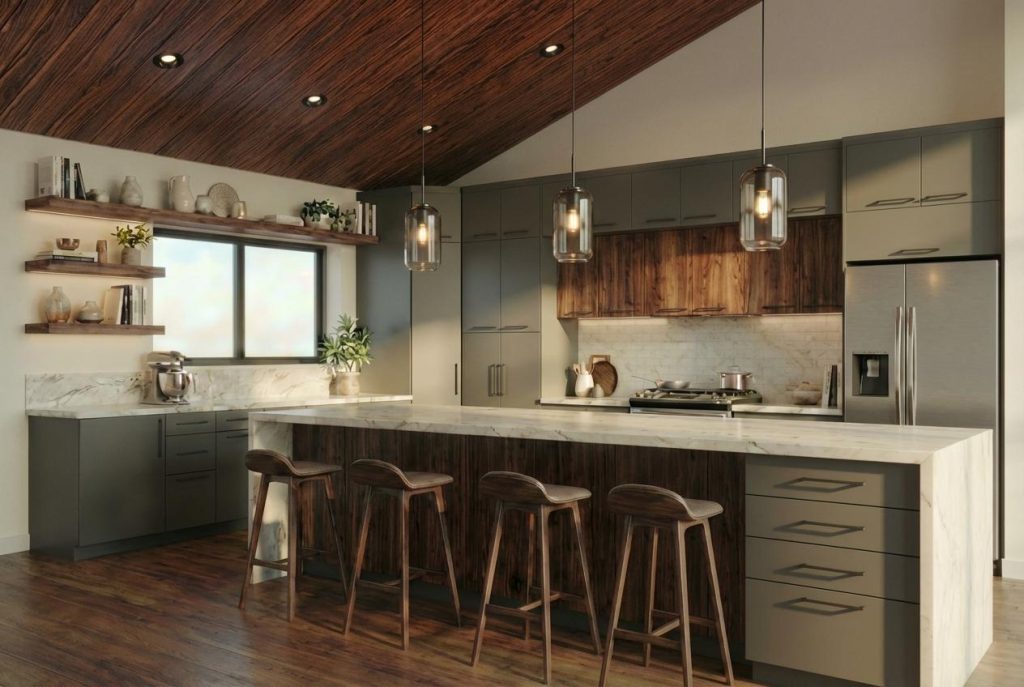

Veras 4.0, powered by Nano Banana Pro, uses generative AI to transform sketches, 2D images, and 3D models into realistic renderings and animations. Bill Allen, Director of Product Management at Chaos, explains how he partnered with the newly updated tool to bring a design vision to life.
When reimagining a space, it can be difficult to grasp how the finished project will truly look and feel, as simple sketches and technical plans rarely convey scale, depth, or atmosphere. We sat down with Chaos’ Bill Allen to explore how, with the help of Veras, he brought his own kitchen renovation to life, transforming a flat 2D cabinet elevation into a detailed, animated design visualization.
Q: Can you start by outlining what’s new in the latest version of Veras and why you chose to use it for your project?
Bill Allen: At the core of Veras 4.0 is a new AI rendering engine powered by Google’s Nano Banana Pro. It produces higher-fidelity imagery, minimizes visual inaccuracies, and generates more reliable design results. By staying closely aligned to a designer’s intent, rather than improvising its own version of the design, it enables rapid, confident concept exploration, which is why I chose to make it my design co-pilot.
Q: Can you walk us through how you initiated the visualization process with AI?
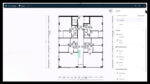
Bill Allen: I started with a 2D black-and-white elevation provided by my cabinet designer, which I imported directly into Veras instead of rebuilding the space using a traditional 3D modeling workflow.
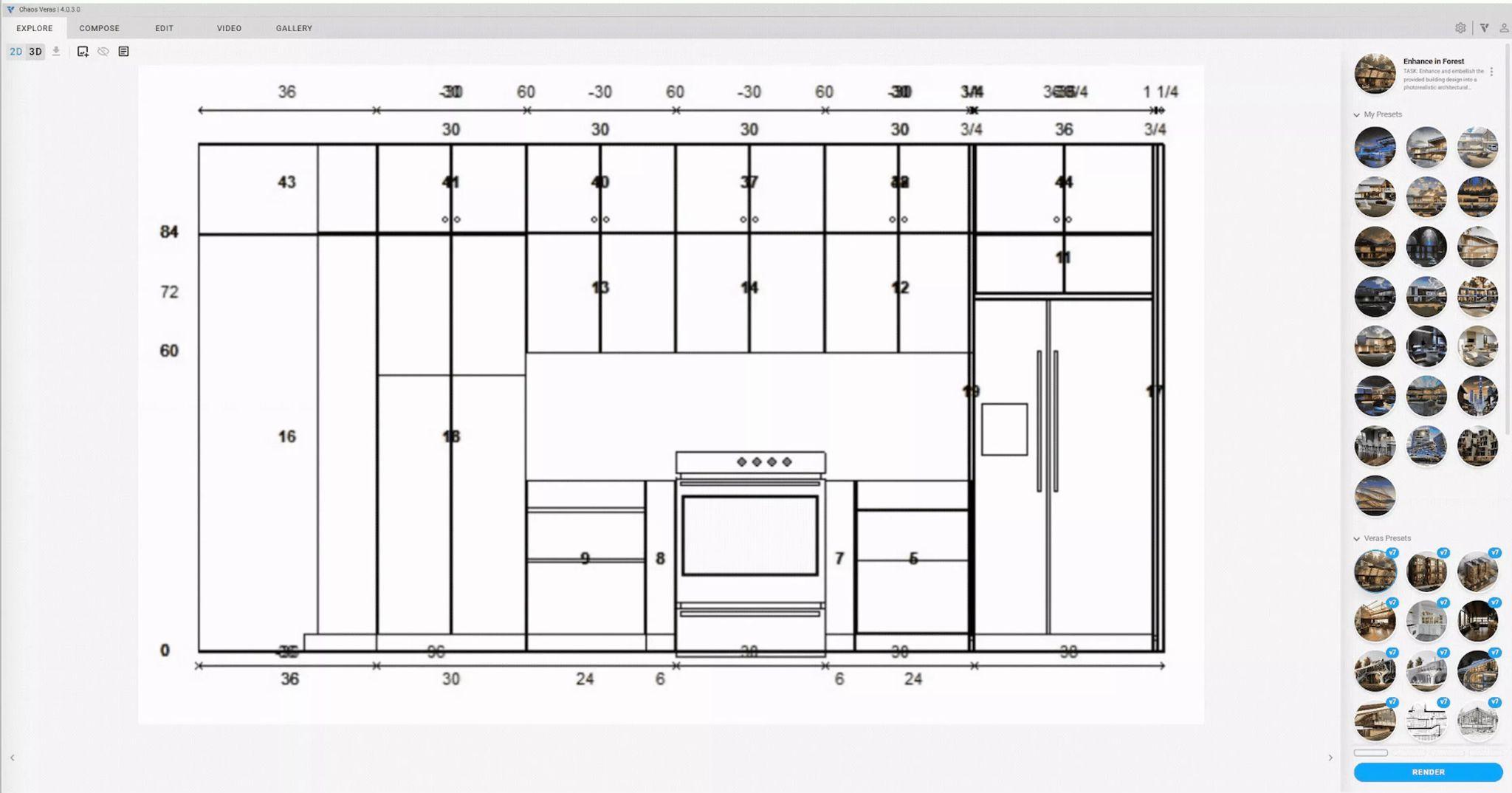
Using a simple prompt, it interpreted the linework and generated a fully colorized 2D elevation, adding materiality, depth, and lighting cues. In just 15 seconds, the drawing shifted from a technical document to something that felt like an early design vision.
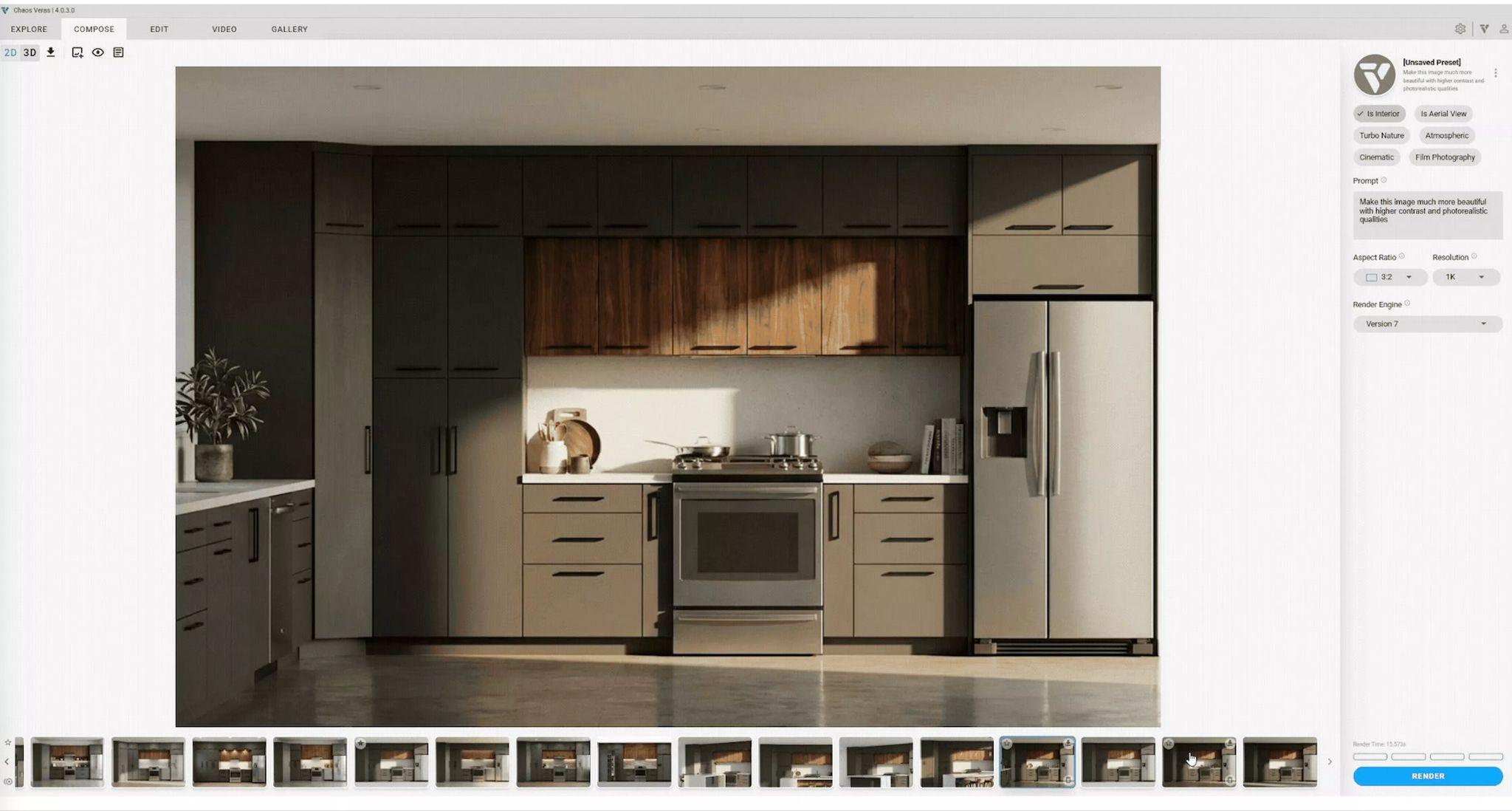
Q: How did you move from a colorized 2D elevation to a more immersive perspective?
Bill Allen: I prompted Veras to create a 3D perspective from a different angle—something that has been difficult, if not impossible, with AI engines. Next, I prompted it to add a kitchen island in the foreground with a modern waterfall countertop.
Once the island was in place, I used the Veras Sketch Tool to select portions of the casework beneath it and guided Veras to refine the cabinetry. The process felt more like a conversation: I selected an area, described the change, and let the AI reinterpret the design. The result was a more polished island that harmonized seamlessly with the overall aesthetic I was aiming for.
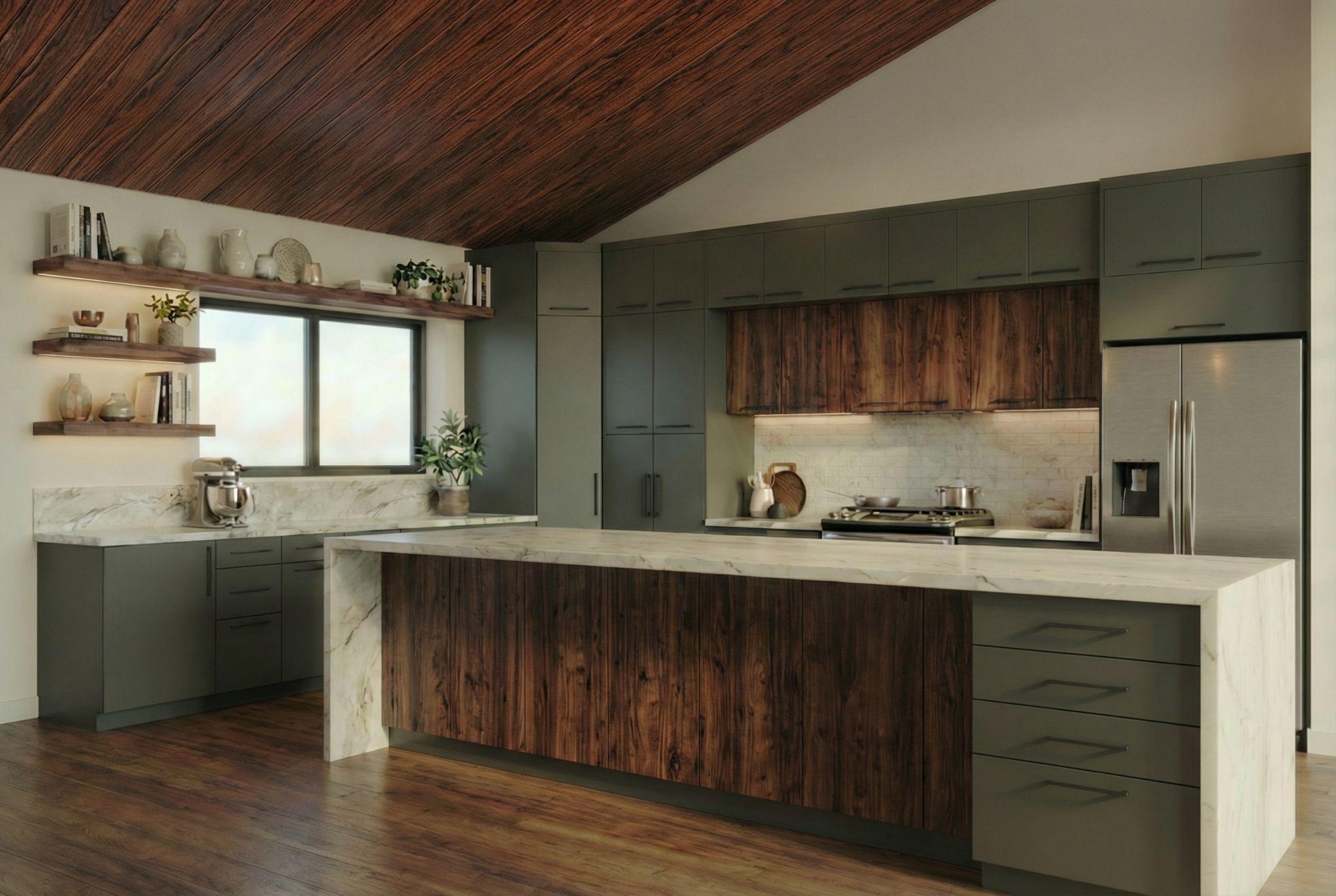
Q: How did you use AI to shape the lighting and overall atmosphere of the space?
Bill Allen: Lighting plays a critical role in how a space is experienced. Using prompts, I asked Veras to add pendant lights above the island and recessed can lights with black trim in the vaulted ceiling. It handled both placement and spacing exceptionally well, reinforcing the architectural character of the space while maintaining a clean, modern lighting scheme.
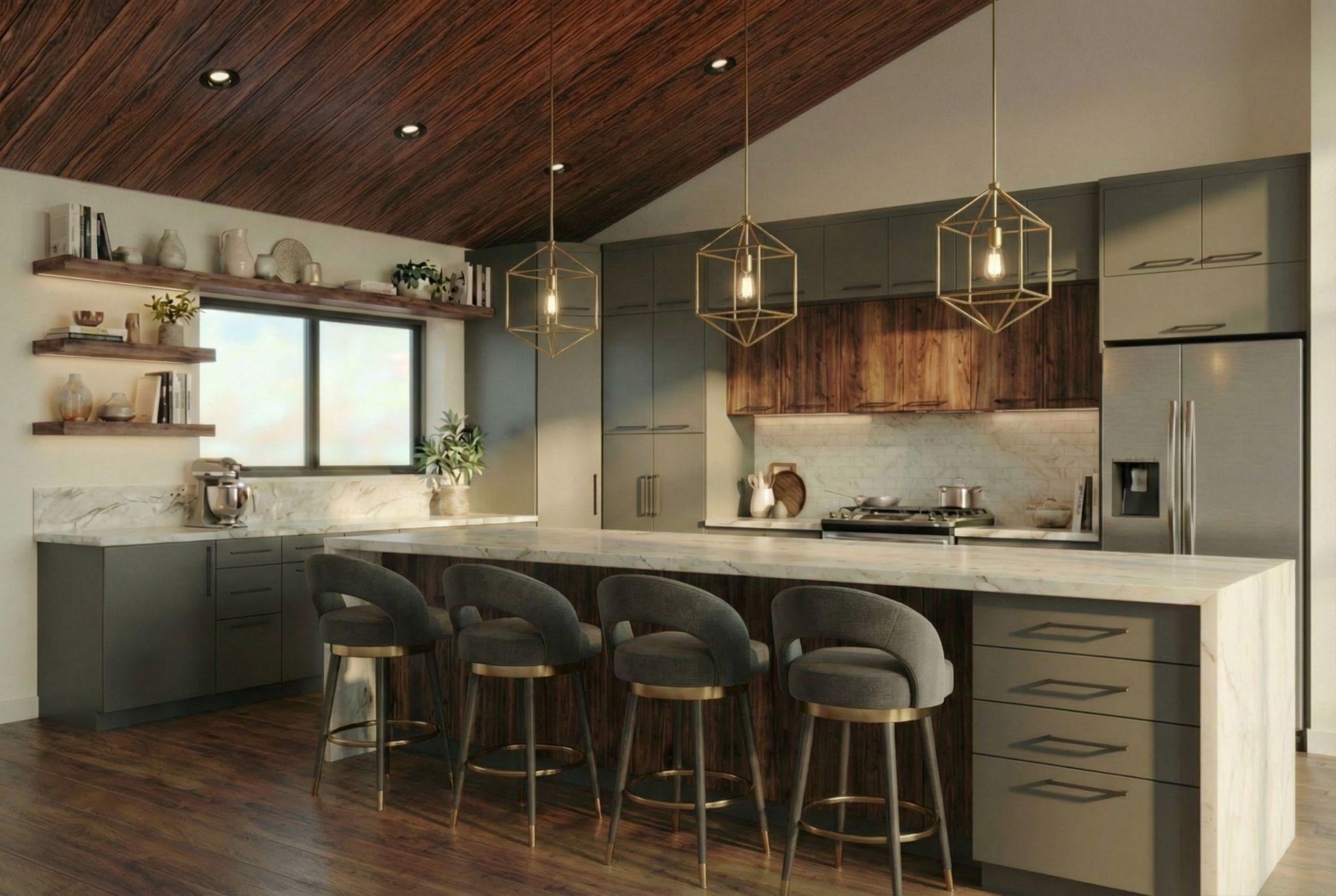
Q: Did you use any animation, and how did that influence the visualization?
Bill Allen: For the final step, I used Veras’ image-to-video feature to animate the completed still image. Even subtle additions, like people in the space, made the rendering far more immersive. The design felt alive, helping me envision the finished space as a real, tangible environment rather than just a concept.
Q: What surprised you most about working with AI in this project?
Bill Allen: What stood out to me most in this process wasn’t just speed—it was the new workflow possibilities with the new Veras render engine. The ability to create a 3D perspective from a 2D elevation was not possible before. Further, the ability to iterate and add lights or a waterfall countertop to an existing scene felt like I was able to harness the AI while staying in control. At no point did I feel locked into a rigid pipeline. I could move freely between 2D, 3D, editing, lighting, and animation, all while staying focused on design intent rather than jumping from software to software.
Q: Based on your experience, what advice would you give to architects and designers looking to incorporate AI into their workflow?
Bill Allen: As technology evolves, AI will play an increasingly important role in enhancing efficiency, improving visualization, and expanding creative possibilities. It empowers architects and designers to explore more options and execute work faster and more effectively. AI can compress multi-stage workflows into fewer steps, delivering substantial productivity gains. With Veras, for example, designers can move quickly, test ideas early, and iterate with confidence, all while staying true to their design intent.
To learn more about Veras 4.0 and start bringing your design ideas to life, visit Chaos.