
Choosing a workstation for architecture, engineering and construction has never been more nuanced. HP Z Workstations powered by AMD processors now cover almost any workflow in the sector — but matching the right machine to the right role matters as much as the hardware itself.
There is a version of workstation advice that goes something like this: buy the most powerful machine your budget allows and you will never have a problem. There is something to that — headroom matters. But in the AEC sector, where no two roles make the same demands on hardware, it misses the more useful conversation.
A BIM technician running Autodesk® Revit® day-to-day and a reality modeling specialist processing dense point cloud data from a laser scan survey are not doing the same job, and they should not be using the same type of workstation. Not because one deserves better kit than the other, but because the wrong tool for the job — even a very expensive wrong tool — is still the wrong tool.
What follows maps four recognizable AEC roles to the hardware that actually fits them, drawing on HP’s workstation range powered by AMD processors and independent testing carried out by AEC Magazine. Not a specification for the most powerful option. A guide to the most appropriate one.
The architectural designer
The architectural designer moves between modeling and visualization: CAD/BIM tools like McNeel Rhino®, Revit and GRAPHISOFT Archicad® for design development, and visualization software like Chaos Enscape™, Chaos V-Ray® and Lumion® for exploring lighting, materials and for client presentations.
More recently, AI image generation tools like Stable Diffusion have entered the picture for early-stage design exploration, generating photorealistic concept imagery from prompts to support ideation and communication.
In visualization workflows, the GPU often does the heavy lifting. Raw performance matters, but GPU memory can matter just as much — and it is far less often discussed.
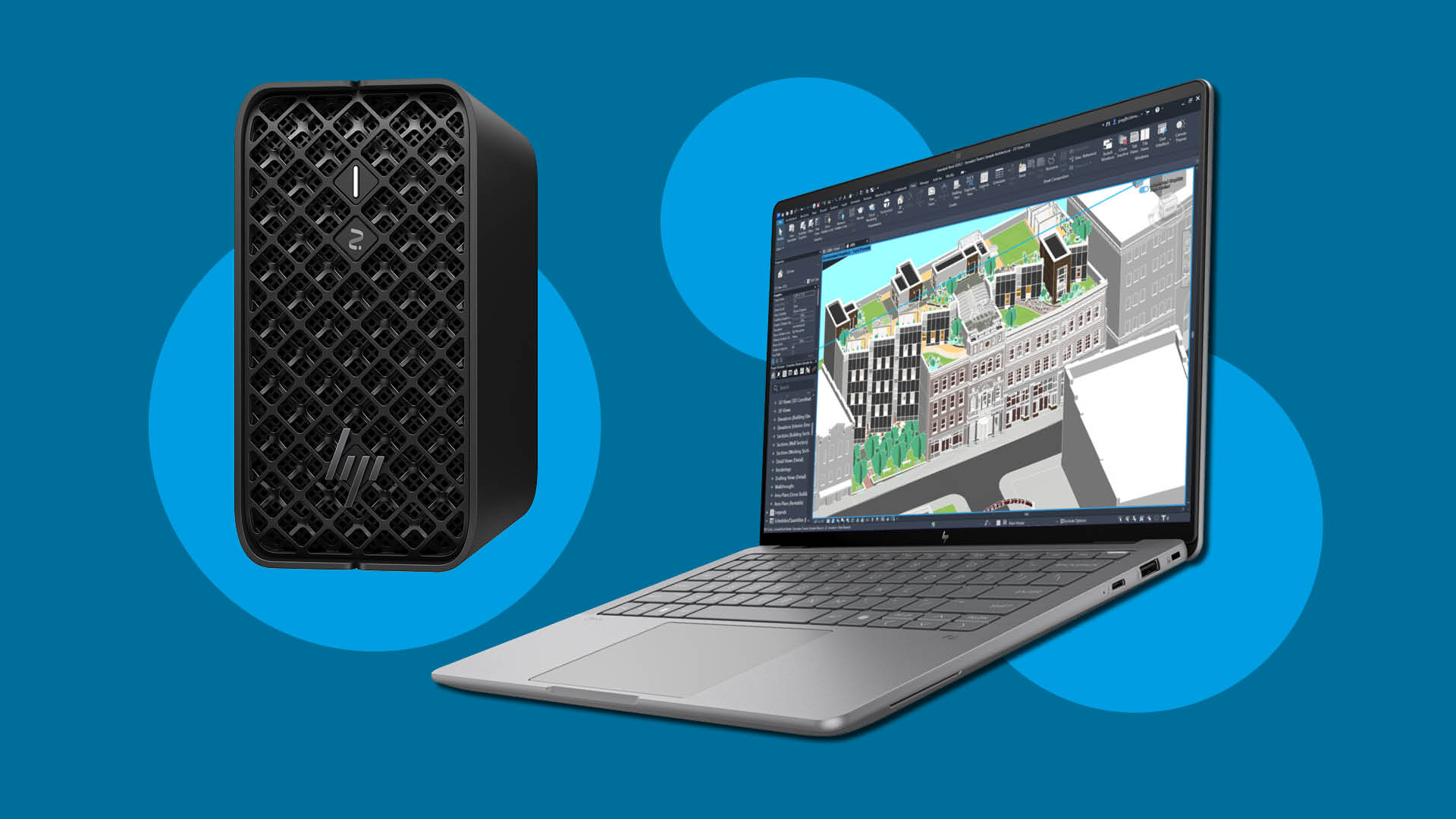
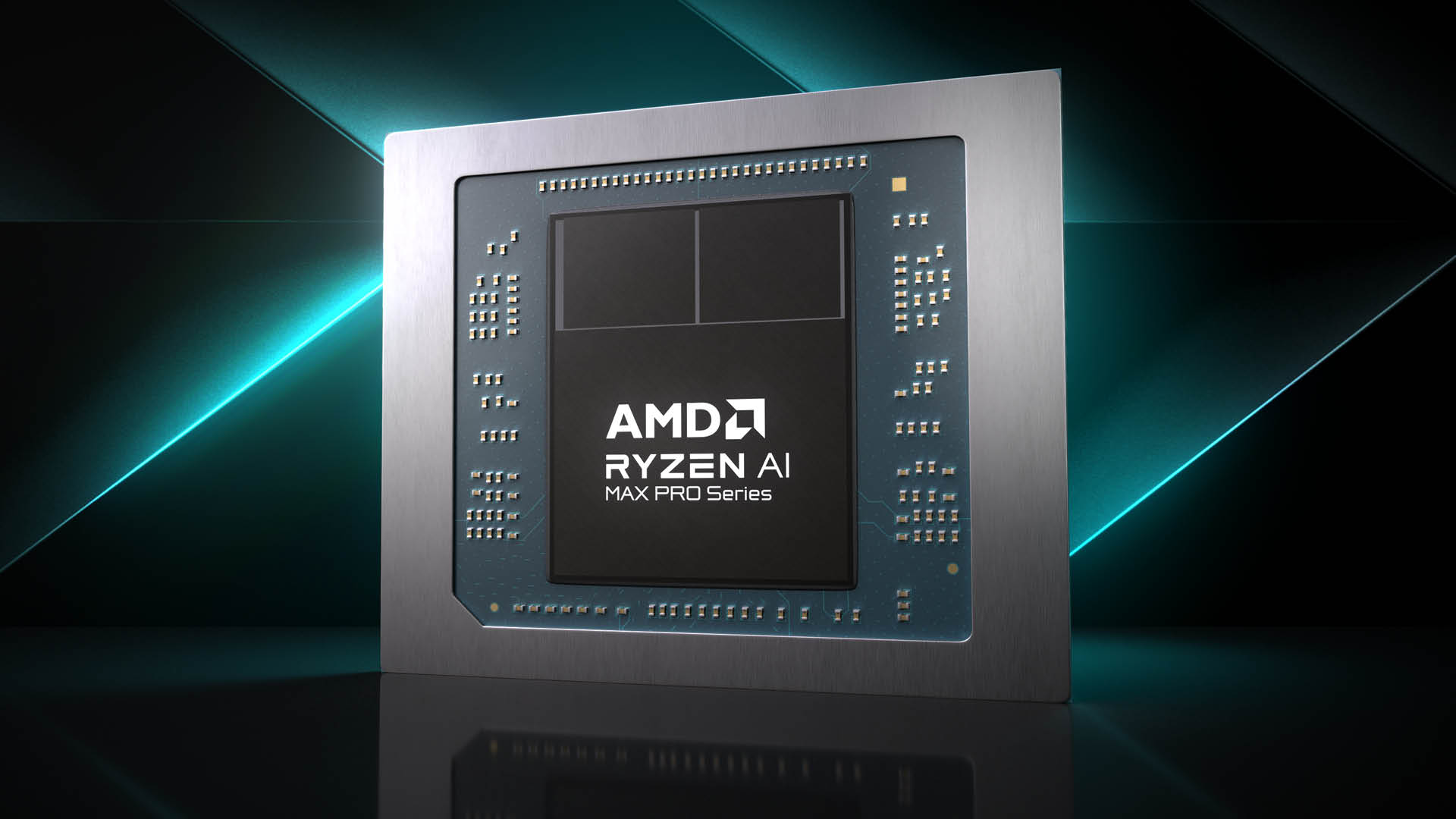
Most entry-level to mid-range workstation laptop GPUs come with 8 GB or 12 GB of fixed VRAM. For rendering scenes and generating images with large diffusion models, you can hit that ceiling fast — and when you hit it, performance can fall off sharply or the software can even crash. This is why the HP ZBook Ultra G1a (laptop) and HP Z2 Mini G1a (mini desktop) deserve serious attention here. Both are built around the AMD Ryzen™ AI Max PRO processor with up to 128 GB of unified memory shared between the CPU, GPU and NPU.
For local Stable Diffusion workflows, the unified memory architecture means the GPU draws on the full memory pool rather than a fixed allocation, breaking one of the biggest constraints in local AI image generation.
As AEC Magazine’s testing confirms, the AMD Radeon™ 8060S GPU built into the top-end AMD Ryzen AI Max+ PRO 395 processor is very well-suited to everyday design development and entry-level visualization. However, push it harder — larger models, more complex scenes — and smooth navigation becomes the first casualty.
That’s why an architectural designer working with more demanding viz pipelines may find the HP Z6 G5A desktop workstation — with its AMD Ryzen™ Threadripper™ PRO processor and choice of powerful discrete GPUs — the more appropriate tool.
The BIM manager
For the BIM manager, the workstation has to handle some of the heaviest files in the building industry — and handle them without breaking stride. Very large Revit models — with all the coordination data, linked files, and clash detection workflows that accompany them — require a machine that does not flinch under load. Memory is critical: multi-disciplinary models that would have been considered large five years ago are now routine, and the headroom to handle them without slowdowns matters more than headline benchmark numbers.
For mobile working, the HP ZBook Ultra G1a with 128 GB of RAM is a great option. For office-based deployment, the HP Z2 Mini G1a offers the same silicon in a compact desktop form factor, with a more powerful PSU that, as AEC Magazine discovered, delivers a modest but genuine performance uplift, but only in select workflows. It is a useful point: the two machines share the same Ryzen AI Max PRO 395 processor, which means the BIM manager can focus more on the practical benefits of laptop versus desktop form factors, rather navigating entirely different tiers of capability.
The BIM modeler / technician
This is where the recommendation diverges from the instinct to always specify up. The BIM modeler’s daily workload — routine BIM modeling and 2D documentation — does not require the most powerful workstation in the range. It requires a capable, reliable machine that handles those tasks without friction. Spending significantly more for performance headroom that will rarely be touched is not prudent specification; it is waste.
The HP ZBook 8 G1a mobile workstation is a good choice here. It runs on the AMD Ryzen™ AI 9 HX PRO 370 processor, which may have fewer cores but delivers excellent single-threaded performance — and single-threaded speed is exactly what CAD and BIM applications depend on most. The integrated AMD Radeon 890M GPU is more than adequate for mainstream 3D CAD and BIM work. Combined with 64 GB of RAM, it handles relatively large BIM models without issue. It is a cost-effective, capable professional machine — and for most BIM modelers, the one that makes the most financial sense.
On the desktop, the HP Z2 Mini G1a is still a solid option, but to strike the right balance of price and performance it’s worth configuring carefully. Choosing a lower-spec AMD Ryzen AI Max PRO processor and 64 GB of memory will help keep costs in line with the role’s actual requirements.
The reality modeling specialist
Point cloud processing, photogrammetry, and site survey workflows share a common characteristic: the datasets are large, the processing is sustained, and underpowered hardware does not cope gracefully. The consequences are practical — in construction verification, for example, slow or failed processing means errors on site go undetected longer, with significant cost implications.
For entry-level to mainstream reality modeling, the HP ZBook Ultra G1a and HP Z2 Mini G1a — again, both on the AMD Ryzen AI Max PRO 395 processor — provide the memory capacity and processing performance to handle meaningful workloads without bottlenecking. The desktop Z2 Mini G1a’s performance edge over the laptop in GPU and multi-core CPU workloads, courtesy of its higher-wattage power supply, makes it a strong contender for office-based specialists who do not need portability. However, its compact footprint also makes it equally at home in a site office. Both machines, as AEC Magazine’s testing confirmed, run cool and quiet under sustained load.
For the most demanding datasets — dense site scan surveys, high-resolution photogrammetry projects — the HP Z6 G5A tower workstation is more appropriate. The AMD Ryzen Threadripper PRO processor — with up to 96 cores, substantial memory bandwidth, and high-end discrete GPU options — gives it the capacity to work at a scale that mobile and compact desktop platforms cannot match.
Reading the map
Across these four roles, a pattern emerges. The HP ZBook Ultra G1a and HP Z2 Mini G1a do a great deal of heavy lifting — the right choice for design architects, BIM managers, and reality modeling specialists working at mainstream levels. Their shared silicon means users can choose the form factor that suits their working location — on site or in the office — without a significant performance penalty.
For BIM modelers and technicians, the HP ZBook 8 G1a is the more considered choice — capable where it needs to be, without the cost of specification that will go unused.
For the most demanding visualization pipelines and reality modeling datasets, the HP Z6 G5A is the appropriate call — the kind of workload that genuinely requires what only an expandable desktop with high core counts, substantial memory bandwidth, and a discrete GPU can provide.
The question is not which machine is the most powerful. The question is which machine fits your work. Those are not always the same thing.
Learn more