
Browser-based software works from the SketchUp viewport using controls instead of a text prompt
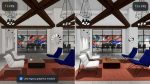
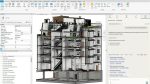
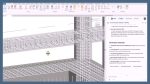
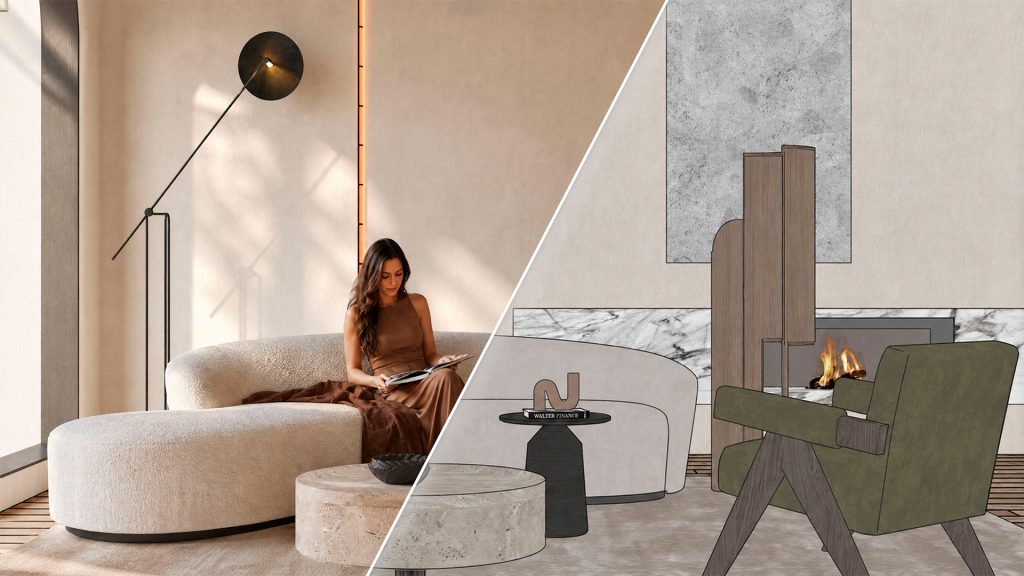
Sherpa, an AI rendering tool that works image-to-image on a snapshot of the user’s own design rather than text-to-image, is now available for SketchUp, allowing architects and interior designers to render straight from the SketchUp viewport.
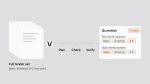
With Sherpa, everything that would normally go into a prompt is instead a control: luminosity, time of day, colour temperature, artificial lights, whether people appear, styling level, and named per-surface materials. Leave a control alone and that part of the image stays as modelled.
Because the controls sit on top of the same base image and camera, an architect can run one viewpoint through daylight, evening light, an empty version for handover drawings, a marble floor, and a different sofa — then compare all five results from a single export. Every version stays grouped with the image it came from.
Discover what’s new in technology for architecture, engineering and construction — read the latest edition of AEC Magazine
👉 Subscribe FREE here
Sherpa is not just limited to SketchUp. The software runs in the browser and can accept any base image, whether a work render or an export from Revit, Archicad, or SketchUp. However, the extension offers additional functionality, including a straightener that corrects the camera to a two-point perspective before sending, so vertical lines stay vertical.
The developers are clear that Sherpa’s output isn’t photorealistic and doesn’t replace V-Ray or Enscape; it’s built for the pitch and concept stage.
Sherpa is developed by AI-brouwerij and is available now in the SketchUp Extension Warehouse.