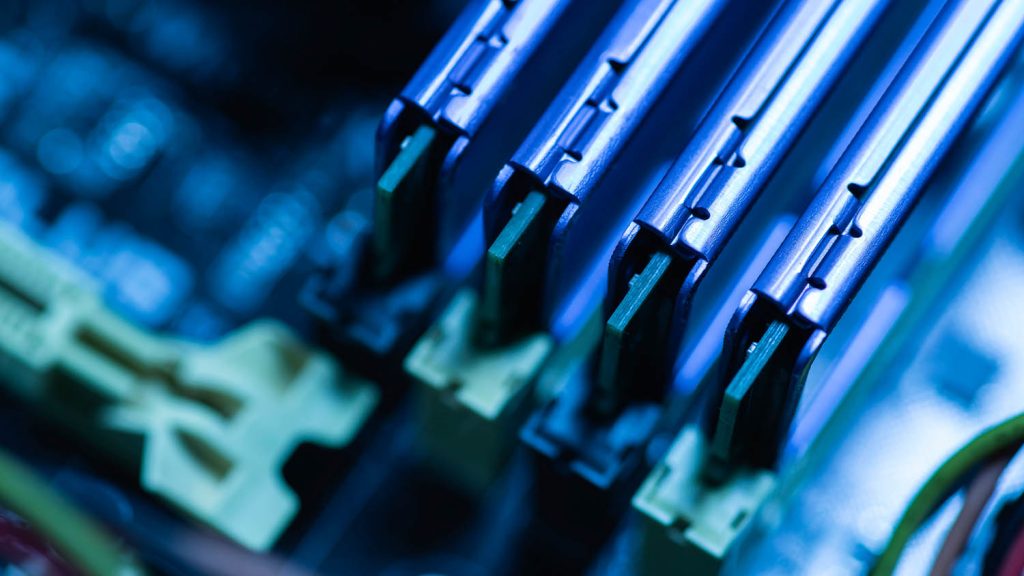

DDR5 memory shortages and rising prices are reshaping workstation buying. Greg Corke explores how architecture, engineering, design, and manufacturing firms can adapt without panicking
If you’ve priced a new workstation recently, one thing is clear: memory now takes up a much larger slice of the quote than it did just a few months ago. There’s no need to panic quite yet, but this significant change in the IT sector cannot be ignored.
Since October, DDR5 prices have climbed sharply, and for architecture, engineering, design, and manufacturing firms that rely on memory heavy workstations, this has become a planning and purchasing challenge that demands careful thought.
So why has this happened? The short answer: the AI boom broke the memory market. Samsung, SK Hynix, and Micron have shifted large portions of production to high-bandwidth memory for AI accelerators and datacentres, leaving DDR5 supply for PCs and workstations starved. For some, what used to be a routine workstation purchase now feels more like hunting for toilet roll in the early days of Covid.