
Our top picks for enterprise-class mobile workstations — from lightweight 14-inch models to take CAD and BIM on the road to 18-inch powerhouses to power the most demanding, visualisation, simulation, reality modelling and AI workloads
HP ZBook Ultra G1a
(14-inch)
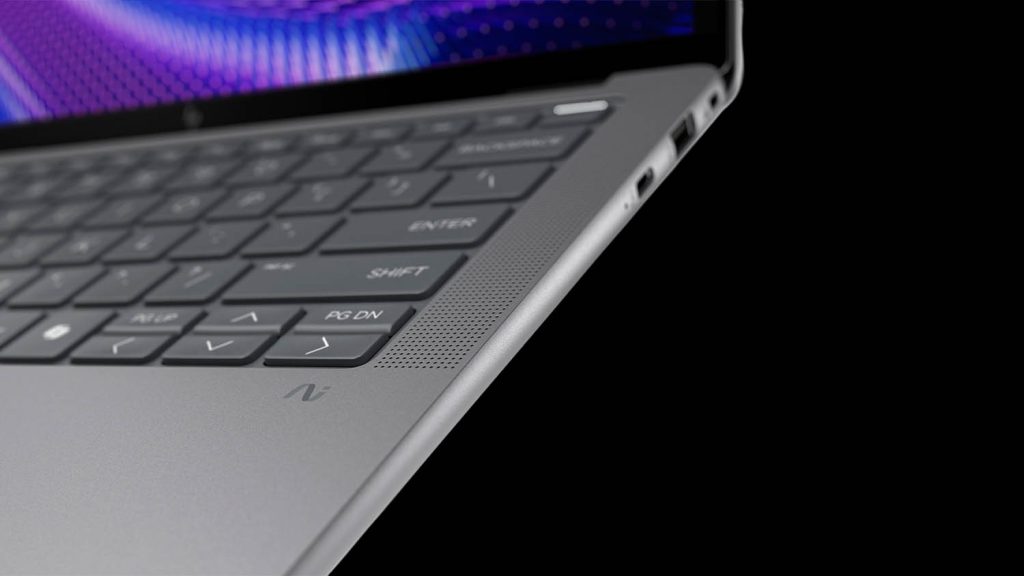
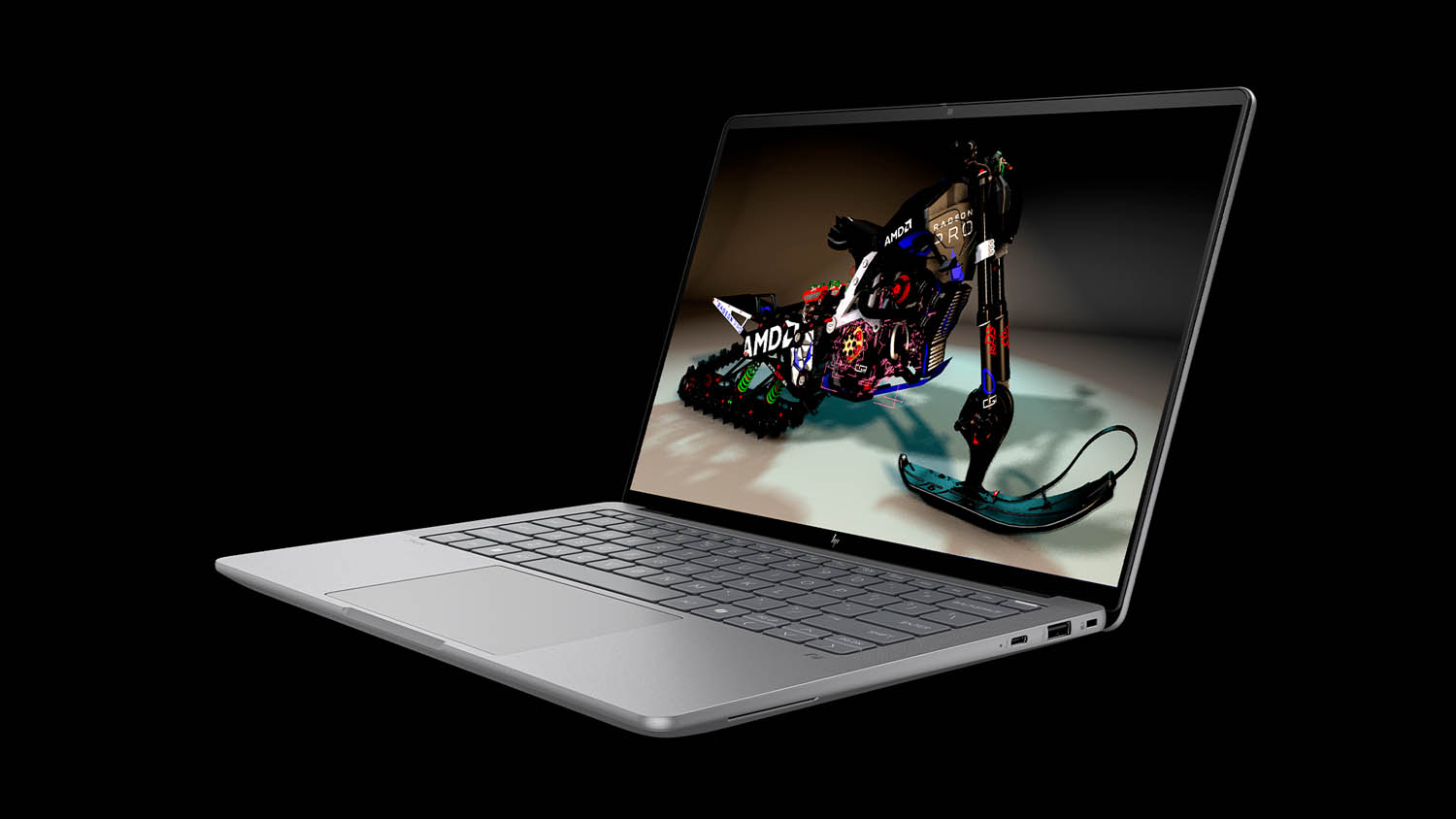
The HP ZBook Ultra G1a represents a major breakthrough in mobile workstations, redefi ning what can be achieved with a 14-inch laptop. Powered by the “Strix Halo” AMD Ryzen AI Max+ Pro 395 processor with 16 high performance ‘Zen 5’ cores and a remarkably powerful integrated Radeon 8060S GPU, it delivers performance typically expected only from larger laptops — making it a genuine powerhouse in a truly portable form factor.
A standout feature is the unified memory architecture. Unlike traditional discrete GPUs with fixed VRAM, the ZBook Ultra can allocate up to 96 GB of high-speed system memory to the integrated Radeon GPU, dramatically boosting its ability to handle large datasets. While it can’t match the computational power of a high-end Nvidia GPU, this innovative approach eliminates the memory bottlenecks that can slow or crash lesser machines, in some cases setting a new benchmark for memory-intensive visualisation and AI workflows.
Beyond raw performance, the ZBook Ultra G1a impresses with its slim, lightweight chassis (1.57 kg, 18.1 mm), excellent build quality, and premium display options, including a 2.8K OLED touchscreen. Meanwhile, its advanced cooling system keeps temperatures in check even under heavy loads.
For architects, engineers, and designers seeking desktop-class capabilities in an ultra-compact laptop, the ZBook Ultra G1a is a stand out example. Software support is still catching up compared to workstations with Nvidia GPUs, but with viz tools like V-Ray, KeyShot, and Solidworks Visualize recently adding AMD support, this gap is rapidly closing. Read our in-depth review here.
Lenovo ThinkPad P14s Gen 6 AMD
(14-inch)
The Lenovo ThinkPad P14s Gen6 is available in both AMD and Intel variants, but it’s the model powered by the “Strix Point” AMD Ryzen AI processor that really stands out, making this compact 14-inch workstation an excellent choice for CAD and BIM on the go.
In multi-threaded CPU and GPU-intensive operations, the ThinkPad P14s Gen 6 AMD might lag behind the “Strix Halo” HP ZBook Ultra G1a. However, for CAD and BIM workloads, the di erence is negligible — both machines will handle typical assemblies and models with ease.
The ThinkPad’s “Strix Point” AMD Ryzen AI 9 HX 370 processor can match the ZBook’s “Strix Halo” Ryzen AI Max+ Pro 395 processor single-core boost frequencies, while the integrated Radeon 890M GPU delivers more than enough performance to smoothly navigate all but the most demanding CAD and BIM models.
Unlike the Dell Pro Max 14, which uses the same chassis for both AMD and Intel variants, the ThinkPad P14s Gen 6 has separate designs. As there is no need to accommodate a discrete Nvidia GPU, this allows the AMD version to be smaller and lighter, starting at just 1.39 kg. The trade-off is a single-fan cooling system, but this is unlikely to impact most CAD and BIM workloads, which rarely push the CPU and GPU to their limits.
Overall, the ThinkPad P14s Gen 6 AMD is a compelling, highly portable mobile workstation that also earns a special mention for its serviceability, as the entire device can be disassembled and reassembled with basic tools. Finally, for those seeking a bit more screen space, the 16-inch ThinkPad P16s o ers identical specs and starts at 1.71 kg.
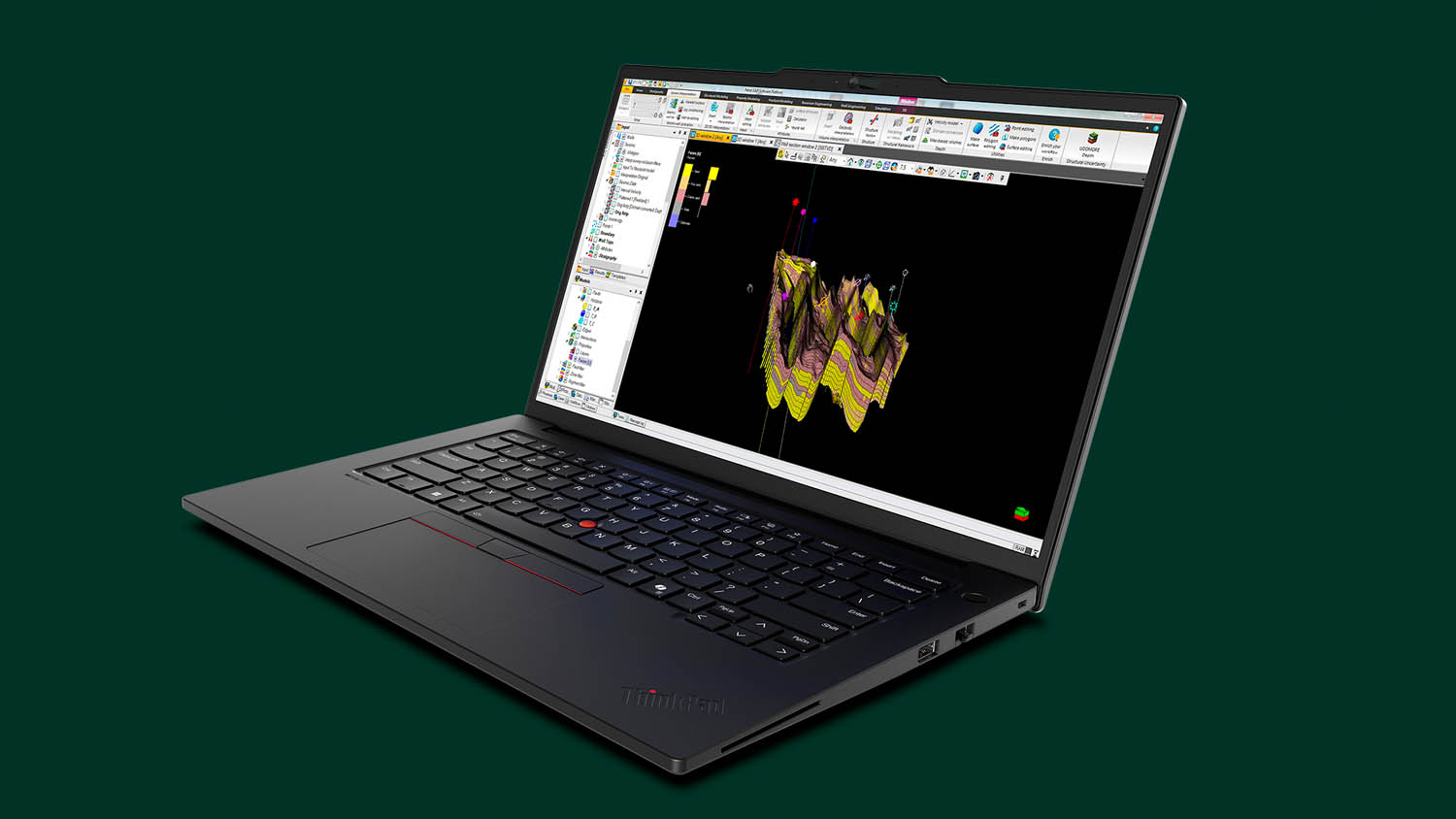
Lenovo ThinkPad P16 Gen 3
(16-inch)
For the latest incarnation of its flagship mobile workstation, Lenovo has completely redesigned the chassis. The ThinkPad P16 Gen 3 is thinner, lighter, and more power-efficient than its Gen 2 predecessor, making it more of a true day-to-day laptop without compromising its workstation capabilities.
It packs the latest ‘Arrow Lake’ Intel Core Ultra 200HX series processors (up to 24 cores and 5.5 GHz), a choice of Nvidia laptop GPUs up to the RTX Pro 5000 Blackwell (24 GB), and supports up to 192 GB of RAM.
While these are top-end specs, the smaller 180 W power supply — down from 230 W in the previous generation — suggests that some peak performance may be left on the table. This is particularly relevant when configured with the RTX Pro 5000 Blackwell GPU, which alone can draw up to 175 W. That said, since all processors and GPUs show diminishing returns at higher power levels, the impact on real-world performance might be relatively modest.
Ultimately, the ThinkPad P16 Gen 3 is all about balancing performance and portability. With practical features such as USB-C charging and a compact versatile chassis, it’s an excellent choice for professionals on the move, capable of handling a wide range of workflows — from CAD and BIM to visualisation, simulation, and reality modelling — without being tethered to a desk.
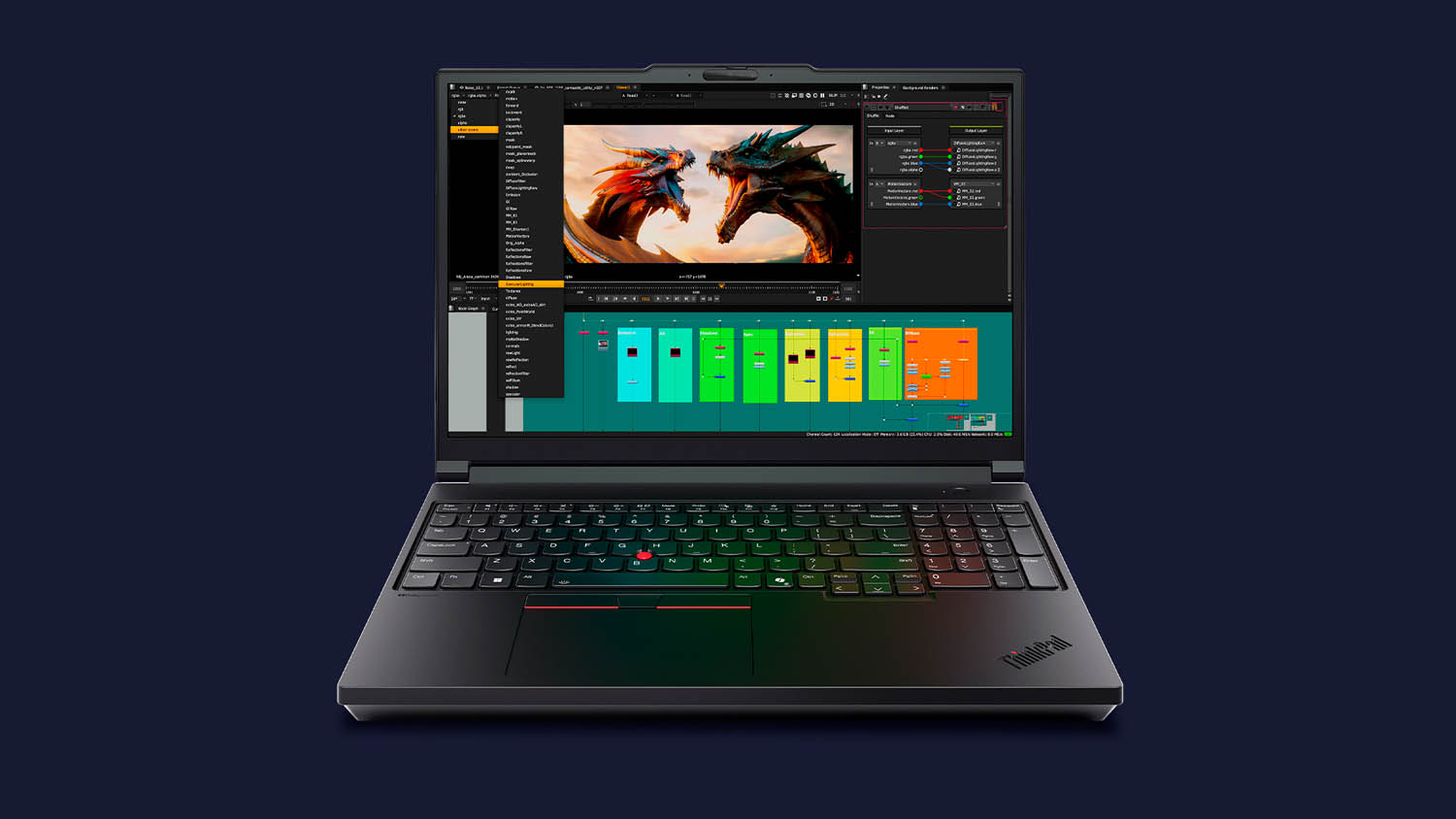
Dell Pro Max Premium 16
(16-inch)
Last year, Dell retired its long-standing Precision workstation brand in favour of Dell Pro Max. One of the standout models is the Dell Pro Max 16 Premium, which replaces the Precision 5690 as Dell’s thinnest, lightest and most stylish 16-inch mobile workstation.
While the Dell Pro Max 16 Premium gives you faster processors, you get less choice over GPUs. It tops out at Nvidia’s 3000 class, whereas the 5690 offered up to the 5000 class. This could be seen as a step backward, but given the thermal/power constraints of the slender 20mm laptop and its 64 GB memory limit, pairing it with the 12 GB Nvidia RTX Pro 3000 Blackwell feels like a more realistic and balanced choice than trying to shoehorn in the 24 GB RTX Pro 5000 Blackwell. Plus, it’s still one class above rival machines like the HP ZBook X G1i and Lenovo ThinkStation P1 Gen 8.
To get the most from the Pro Max 16 Premium, it should be fully configured: a 45 W Intel Core Ultra 9 285H vPro processor, 64 GB of RAM, and the 12 GB Nvidia RTX Pro 3000 Blackwell. This setup puts it squarely in the category of entry-level design visualisation, where the extra 4 GB over the 8 GB RTX Pro 2000 Blackwell is money well spent. For more demanding workloads, the Dell Pro Max 16 Plus is the far better, but heftier, option — supporting 55W Intel Core Ultra 200HX CPUs, Nvidia RTX Pro 5000 Blackwell GPU, and up to 256 GB of memory.
Overall, the Dell Pro Max 16 Premium is an extremely well built pro laptop that delivers a strong balance of performance and portability. Finally, for those still mourning the death of Precision, Dell has confirmed the brand will return later this year as Dell Pro Precision.
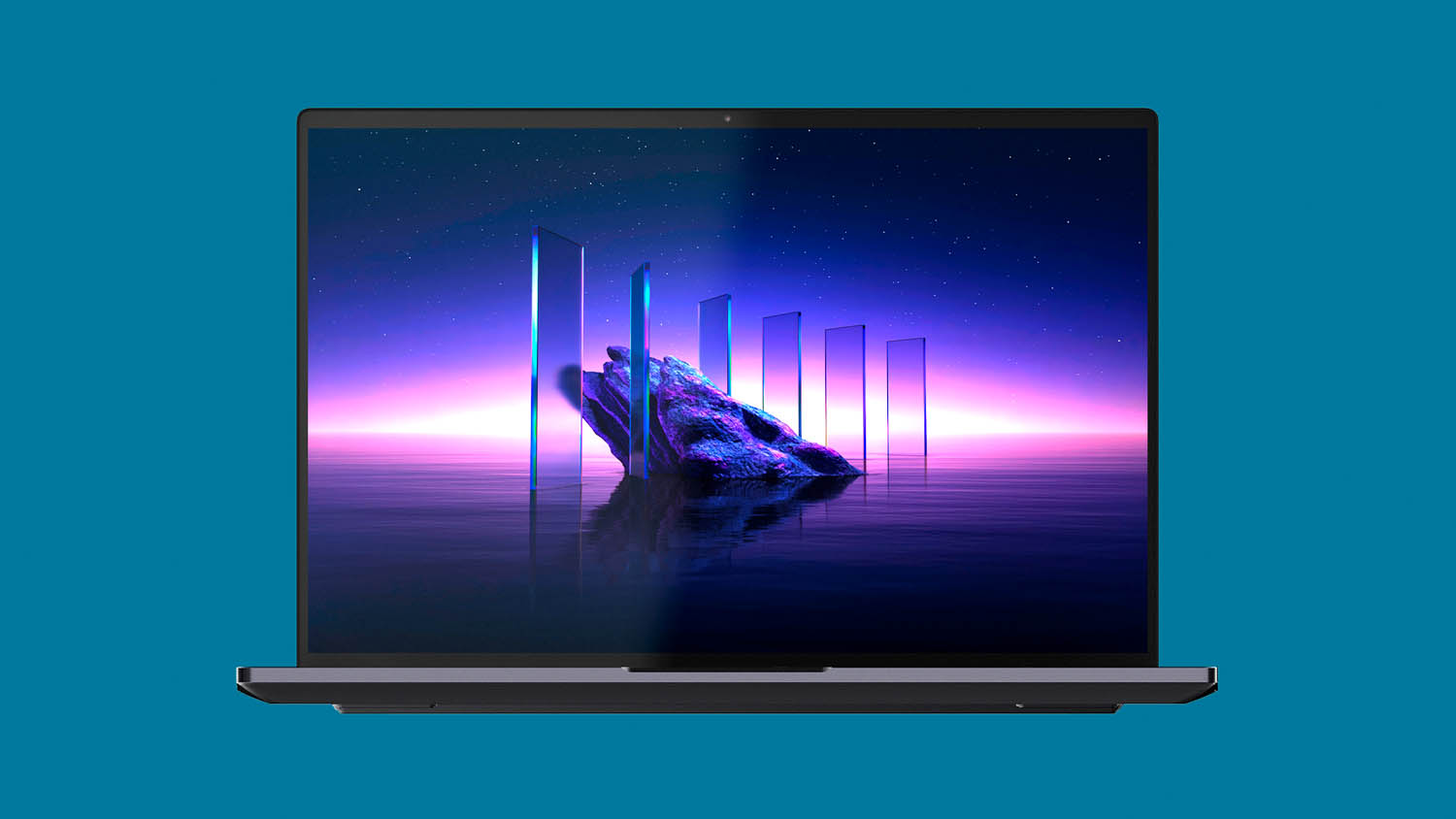
HP ZBook Fury G1i
(18-inch)
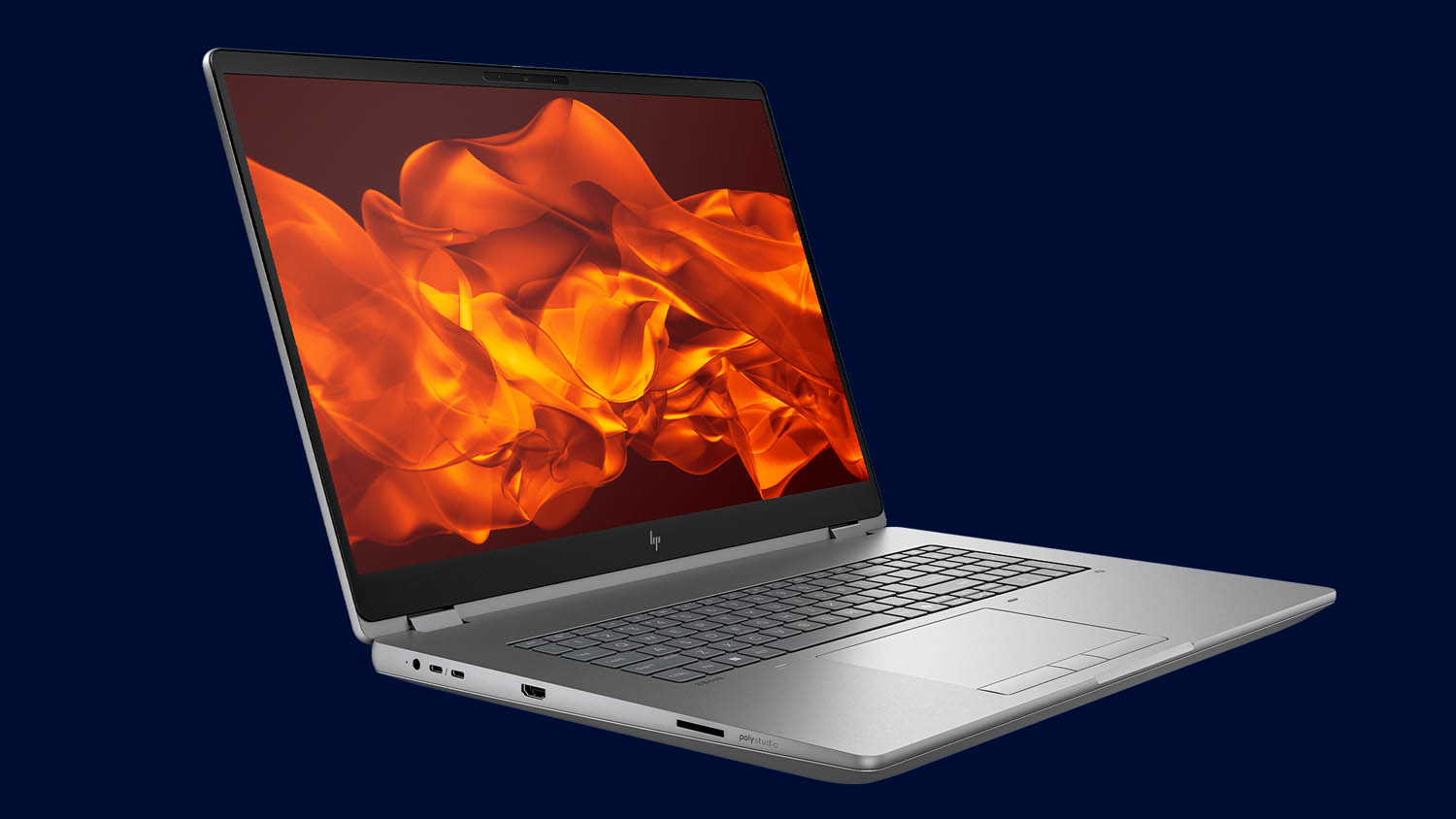
HP’s top-end mobile workstation, the 18-inch ZBook Fury G1i, is unapologetically focused on performance. The specs may look familiar — Intel Core Ultra 200HX series processors and Nvidia laptop GPUs up to the RTX Pro 5000 Blackwell (24 GB) — but with a 200W TDP, it extracts more sustained performance from those components than any other major OEM.
While that’s a key differentiator, it may still lag behind some gaming-inspired laptops, where combined CPU/GPU power can reach as high as 270W. Yet the ZBook Fury G1i is a true enterprise class machine, designed with fleet management in mind and carefully balancing performance, thermals, acoustics, and reliability. HP’s new hybrid turbo-bladed triple-fan cooling system helps maintain that equilibrium.
The 18-inch display is limited to WQXGA (2,560 x 1,600) LED, but delivers 500 nits, 100% DCI-P3, and a superfast 165 Hz refresh rate. The HP Lumen RGB Z Keyboard also takes a professional-focused approach, with per-key LED backlighting that can highlight only the keys relevant to specific tasks, preloaded with default lighting profiles for applications such as Solidworks, AutoCAD, and Photoshop.
Overall, the HP ZBook Fury G1i is unparalleled in performance, but it’s important to remember that it’s not meant for long stretches away from the desk. Its size and power draw make it best suited to designers, engineers, and visualisers who simply need to move work between office and home, while battery life and portability take a back seat.